For many Indian parents, UPI is now the default way to pay for almost everything — groceries, electricity, tuition classes. School fees are often one of the last payments that still involve a cheque, a bank challan or a counter visit. Moving fees onto UPI is one of the simplest ways a school can make life easier for parents and for its own accounts team.
Why UPI suits school fees
- Parents already use it. No new app, no card details, no learning curve.
- It's instant. The school sees the payment immediately, not days later.
- It works on any phone. Including the basic Android phones many families use.
- It fits large amounts. Many bank accounts support UPI payments large enough for a term's fees, and parents can split payments across instalments if needed.
The wrong way: a QR code on the notice board
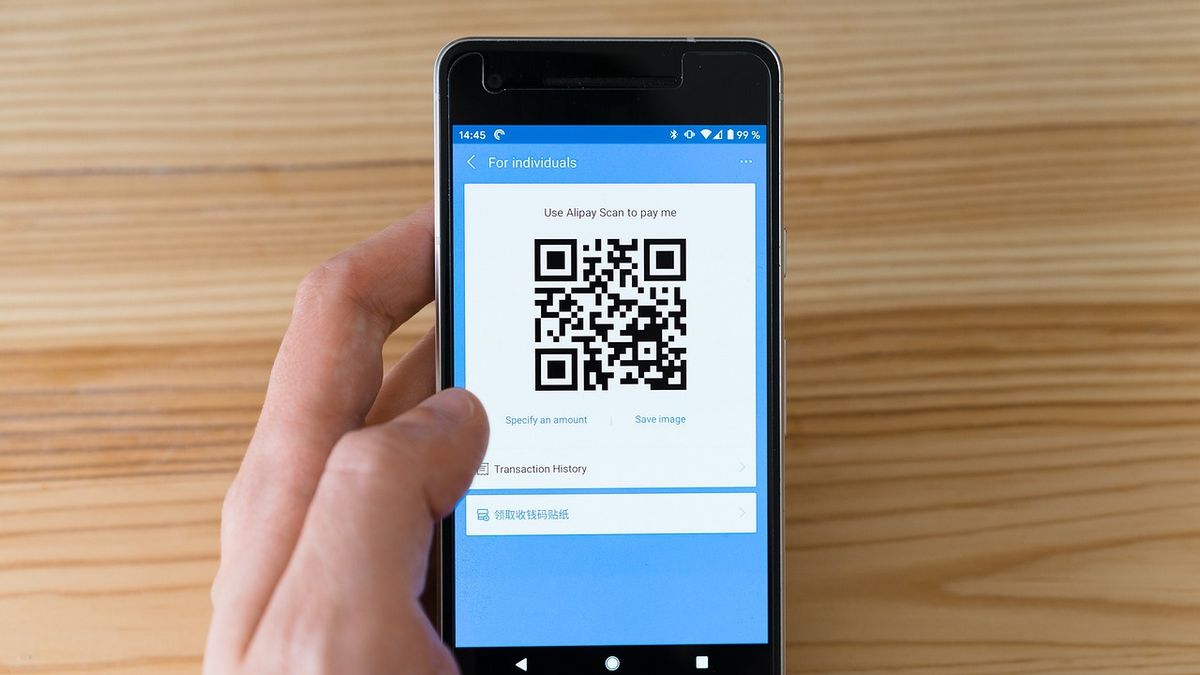
Some schools start by printing the school's UPI QR code and asking parents to pay and send a screenshot. It works for a week. Then the accounts team is matching hundreds of screenshots to students by hand, payments arrive with no reference, and parents pay the wrong amount. It creates more work than it saves.
The right way: UPI through a payment gateway, linked to the fee ledger
A proper setup connects UPI payments directly to each student's fee record:
- The parent opens the fee screen in the school app and sees exactly what's due.
- They tap Pay and choose UPI (or card, or net banking).
- Their UPI app opens with the amount filled in; they approve.
- The payment is recorded against the right student and fee head automatically.
- A digital receipt arrives within seconds, and the defaulter list updates.
No screenshots, no matching, no manual entry.
What you need to set it up
- A payment gateway account in the school's or trust's name (Razorpay is a common choice). This needs the usual business KYC: registration documents, PAN and a bank account.
- Fee structures set up in your school software — class-wise heads, concessions and due dates.
- The gateway connected to your software so payments land in the right ledger.
Our Razorpay setup guide walks through each step in detail.
A note on gateway charges
Payment gateways charge a fee per transaction, and rates vary by payment method. Decide early whether the school absorbs it or passes it on, and be transparent with parents either way. Check current rates with your gateway rather than relying on old figures.
Combine UPI with good reminders
UPI makes payment easy; reminders make sure parents remember. Put a payment button inside each reminder so a parent can pay in the same moment they're reminded. Our list of seven ways to reduce fee defaulters covers the full approach.
Getting started
Schoolo includes Razorpay integration with UPI, cards, net banking and wallets, automatic receipts and a live collection dashboard on every plan — see pricing. If you're moving from spreadsheets, the seven-day migration playbook shows how fee data comes across.