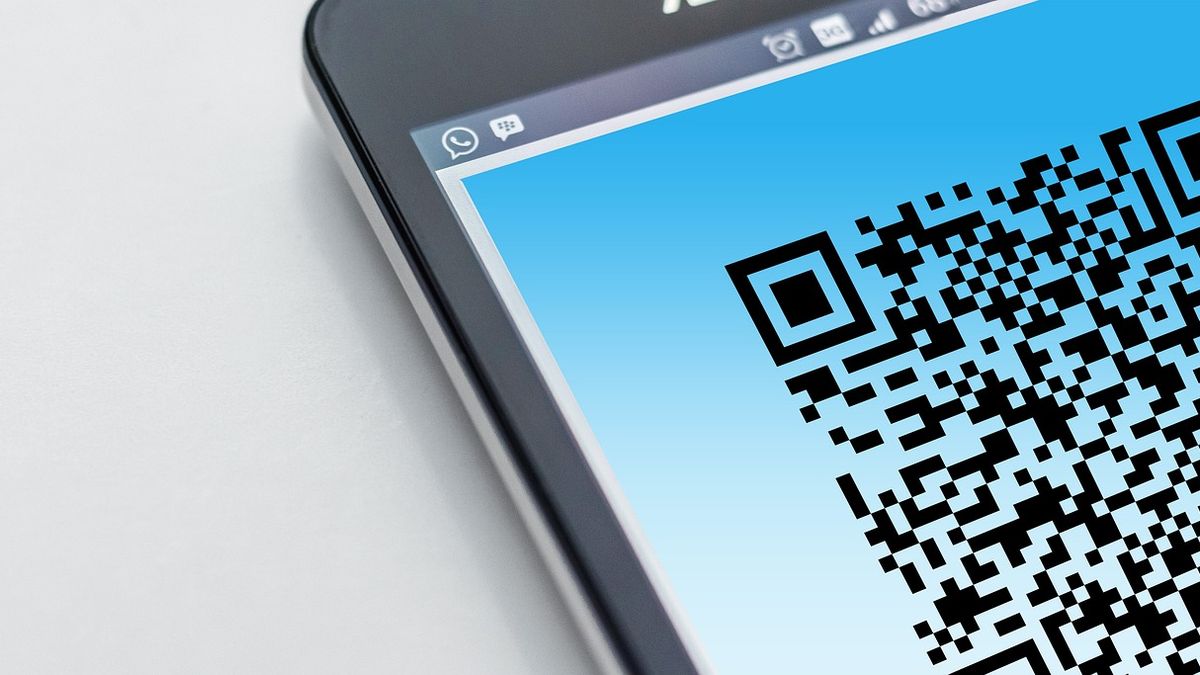
Schools take attendance carefully in the classroom, often twice a day. Yet the part of the day where a child is most likely to go missing — between the front gate at home and the school gate — usually has no record at all. The driver or attendant knows roughly who got on. Nobody writes it down.
How QR boarding attendance works
- Each student gets a card (or ID card sticker) with a unique QR code.
- At boarding, the driver or attendant scans it with the bus app.
- The student's name, photo and class appear on screen for a quick visual check.
- The student is marked present for that trip with a timestamp, and the parent sees it in their app.
The scan takes a second or two. For a bus collecting 40 students across a dozen stops, it adds almost nothing to the route.
Why not just a paper register?
Paper registers on buses tend to be filled in later from memory, if at all. They can't tell a parent anything in real time, and they're rarely checked unless something goes wrong. A scan creates a record at the moment it matters and makes it visible immediately.
Why not the classroom attendance system?
Classroom attendance — whether manual, QR or face recognition — answers "is the child in school?". Boarding attendance answers "did the child get on the bus, and when?". Together they cover the whole journey: if a child scanned onto the bus but wasn't marked present in class, that's a gap someone should look at today, not next week.
What parents see
A simple, reassuring line: "Aarav boarded Bus 4 at 7:18 AM." Combined with live bus tracking, the parent knows the child is on board and roughly when they'll arrive.
Rolling it out: a one-week plan
- Day 1: Import students with their routes and stops (a CSV export from your student records is enough).
- Day 2: Print QR cards. Photos make on-screen confirmation much more useful, so upload them if you have them.
- Day 3: Brief drivers and attendants — it takes ten minutes to learn the scanner.
- Day 4–5: Run scans alongside your existing process and fix any route mix-ups.
- Week 2: Tell parents. Announce it once on your usual channel; the boarding alerts do the rest.
Common questions
What if a child forgets the card? The driver can mark them present manually from the roster for that stop.
What about the return trip? Scan again at boarding in the afternoon; the parent gets a second confirmation.
Does this need special hardware? No — the scanner is the driver's Android phone running the bus app.
Try it
QR boarding attendance is built into BusTrak, alongside live GPS, arrival alerts and trip history. If you're thinking about attendance more broadly, our guide to spotting chronic absenteeism early shows what to do with the data once you have it.